
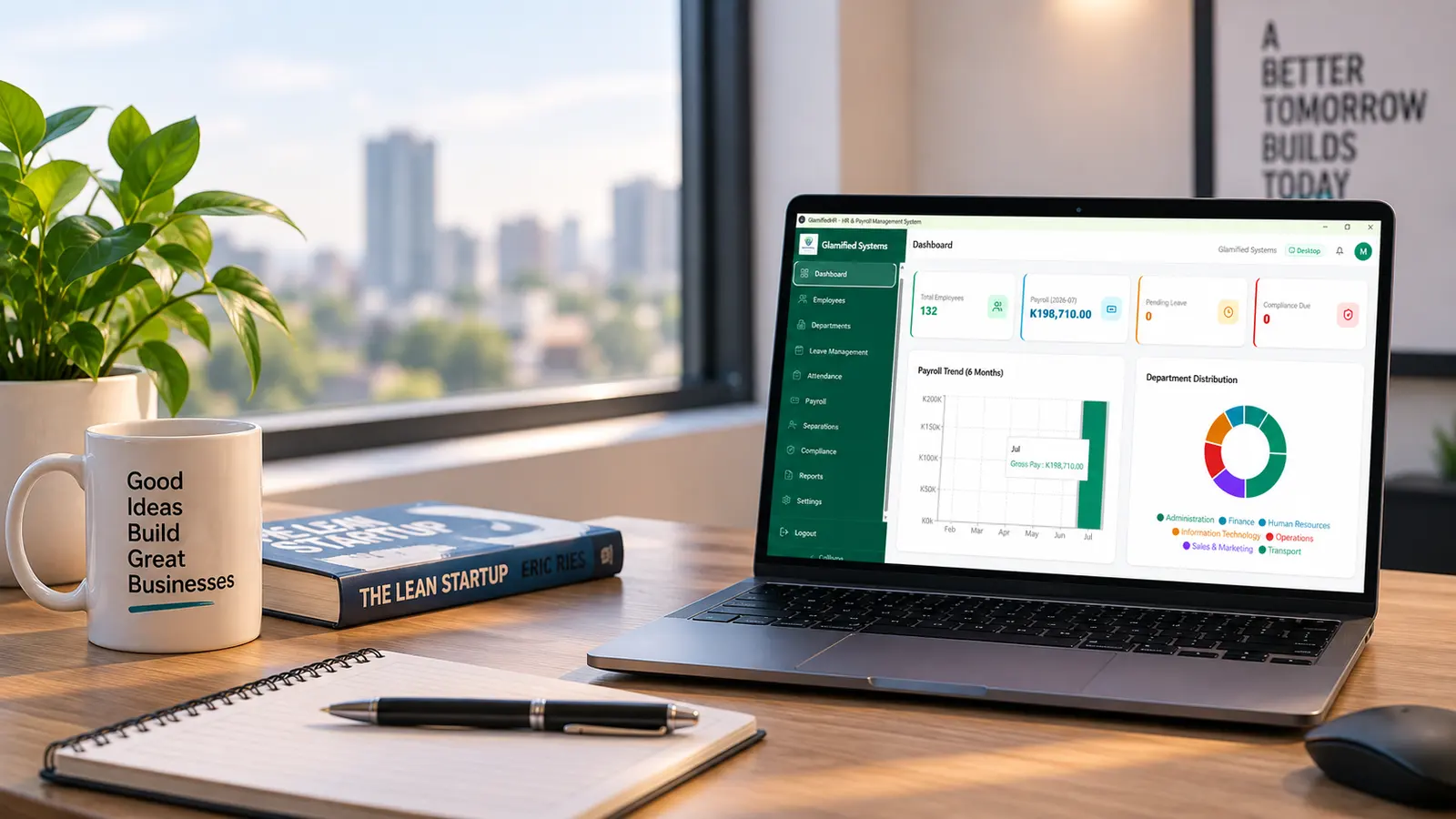

GlamifiedHR
HR and payroll for Zambian businesses, with NAPSA, PAYE and NHIMA calculated for you.
Read more about GlamifiedHRCompliant by default. Offline by design.
PayrollHRLoansFleetInvoicingPropertySchool
Business systems built for Zambian businesses, with offline-first operations and local statutory requirements in mind.
Trusted by








HR and payroll for Zambian businesses, with NAPSA, PAYE and NHIMA calculated for you.
Read more about GlamifiedHR
Quotations, invoices, receipts and delivery notes, linked to each other and to the customer.
Read more about GlamifiedSales
Fuel, trips, servicing and licences, added up into a real cost per vehicle.
Read more about GlamifiedFleetTechnology
Websites, apps and custom systems, built to a written scope.
Computers, printers, networks and business software, kept working.
Business services
Company registration and the statutory work that follows it, handled in one place.
We run the payroll each month, so nobody in your office has to.
Logos, branding and the documents a business is judged on.
We were writing quotations in one book and invoices on a separate pad, then reconciling the two at month end. Now a quotation becomes an invoice in one step and the receipt stays linked to it. Chasing payment is the part that changed most for us.
Crescent Crest SuppliesGlamifiedSalesThey handled our PACRA registration and got the TPIN and statutory registrations in order without us having to chase anyone. We always knew what stage it was at.
Amani Prestigious VenturesBusiness registrationThey set up our registrations and then did our branding, so everything matched from the start. Having one company handle both saved us going back and forth between suppliers.
Ampindi VenturesRegistration and designThey registered the company for us and have handled the monthly filings ever since. We hear from them before a deadline rather than after it, and that is the part we did not expect to matter as much as it does.
Rare EventsRegistration and monthly complianceThese are the systems we have already turned into products. If your operation works differently, we build around your workflow rather than bending the work to fit software bought off a shelf.
We look at how the work is done now, on paper and in spreadsheets, before proposing anything.
A written scope and a price, so both sides know what is being built and what it costs.
You see working software early and often, not a demo at the end.
We install it, train your people on it, and stay available afterwards.
The things people ask before they commit. If yours isn't here, ask us directly. We would rather answer it now than after you have bought.
Ask on WhatsAppYou pay once. There is no monthly fee, and no licence that stops working at the end of a term: the version you buy keeps running for as long as you want to use it. Strictly it is a perpetual licence rather than a transfer of the software itself, which is the normal arrangement for packaged software and is set out in the terms.
Yes. GlamifiedHR, GlamifiedSales and GlamifiedFleet all run free for 30 days from the day you install them. Everything works during the trial, so you can test it on your own data rather than on a demo. After 30 days the system needs a licence key to keep running.
GlamifiedHR, GlamifiedSales and GlamifiedFleet run as desktop applications on your own computer, and work with no connection at all. Your data stays on your machine. Nothing is lost when the line goes down.
PAYE, NAPSA and NHIMA are calculated against current Zambia Revenue Authority rules, and GlamifiedSales supports ZRA Smart Invoice. When the rates change, we issue an update.
Yes. Data migration from spreadsheets and existing records is part of a normal deployment, along with installation and training for your staff.
Deployment includes staff training and a handover document, so your people can run the system without us. After that we are available for support, remotely anywhere in Zambia and on site in Lusaka.
Every product includes Backup and Restore in its settings. A backup is one file, so it goes on a memory stick or into Google Drive, OneDrive or Dropbox like any other document, and the software shows a warning when a backup is overdue. Restoring onto a replacement machine is the same file going back the other way. Backups keep working even after a licence has expired, so your records are never held hostage by a lapsed key.
Yes. We support systems from other suppliers as well as our own, along with the computers, printers and networks they run on.
Yes. We handle PACRA registration and the registrations that follow it, including your TPIN with ZRA, NAPSA and NHIMA. You deal with us rather than with each office separately.
PACRA, ZRA, NAPSA, NHIMA, the Workers' Compensation Fund Control Board, ZPPA, NCC, EIZ, ZDA and the local councils. We also prepare business plans and contracts.
Yes. Website design, web applications and Android apps, built mobile first and set up to be found on Google. Custom business systems are quoted the same way, with a written scope and a fixed price before any code is written.
On full payment you own the deliverables produced specifically for you. We keep ownership of our underlying tools, libraries and templates, the things that existed before your project. Where an agreement includes source files, that is stated in the scope in writing.
We agree a written scope and a fixed price before any code is written, so there are no surprises later. If the scope changes, we tell you what that costs before doing the work.
Yes. Support is delivered remotely across Zambia, and on site in Lusaka. Deployments elsewhere are arranged case by case.